
Create a New Donor
Updated 2 weeks ago
Create a New Donor
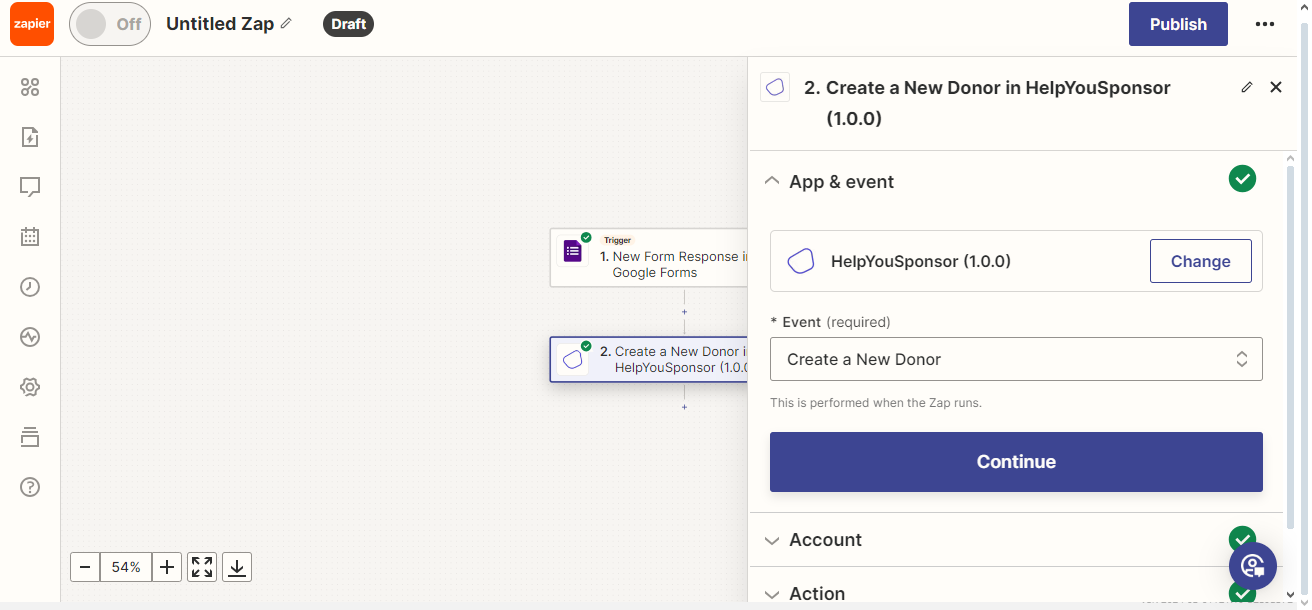
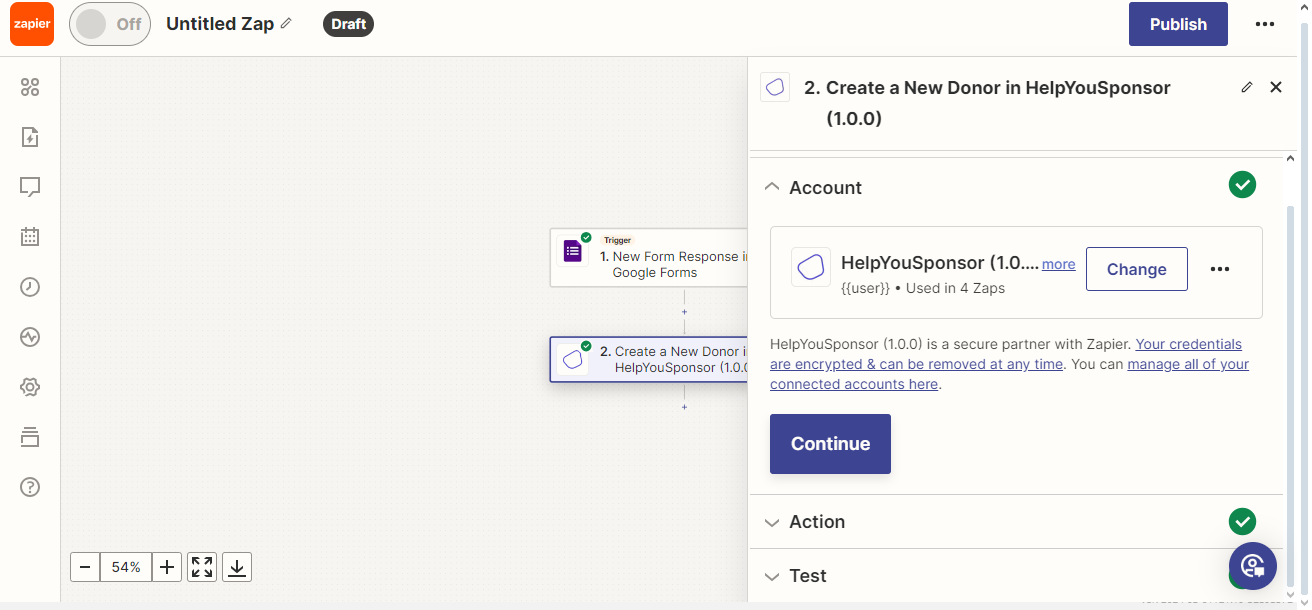
Choose Create a New Donor, select an existing connected Gratona account or connect your Gratona account, and approve the requested access.
When you move to the next step of Action you'll be presented with such a page.
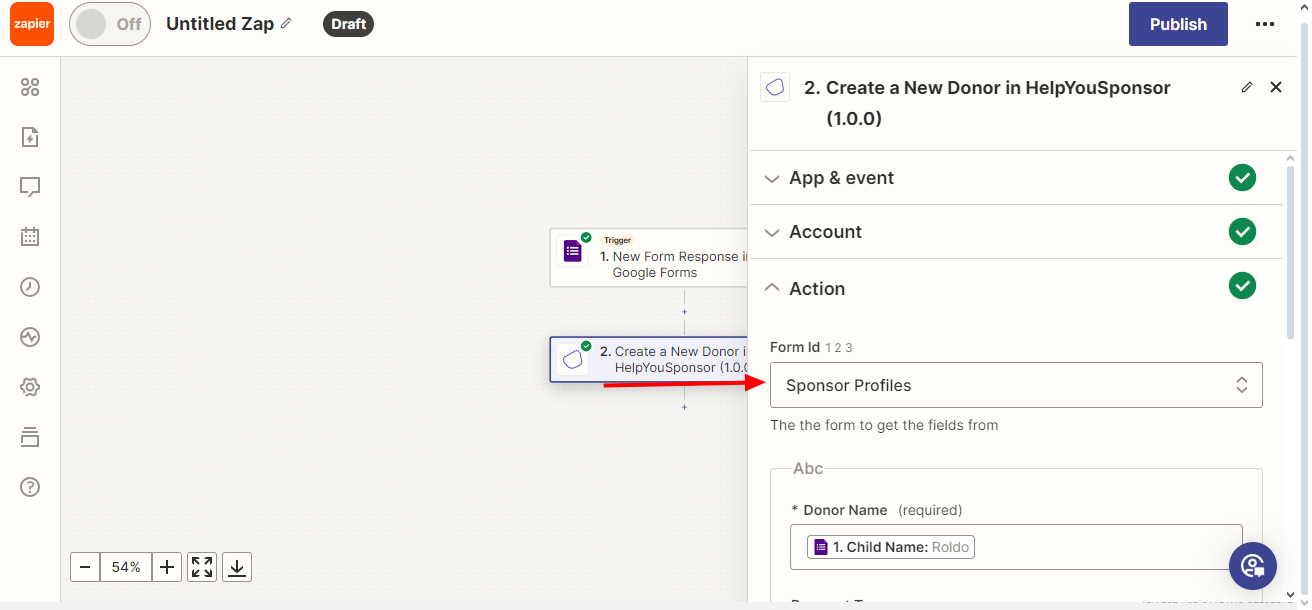
In the dropdown you chose the form from which you want to generate form fields to create the donor. Click Refresh fields so that zapier will use the form that you have selected above and then generate the form fields for you
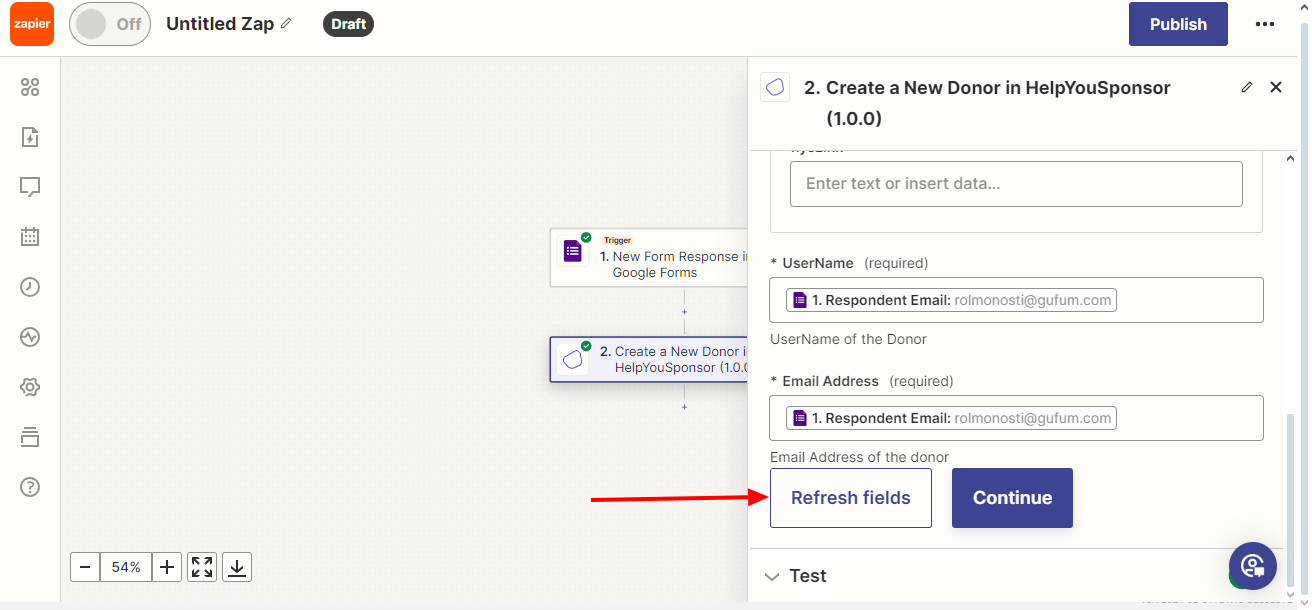
Some fields like Email Address that appear before the Refresh fields button are system fields that Gratona requires and are not neccessarily part of your form. Once the form fields have loaded, you then can insert you data. Next step click Continue
Run a Test to make sure all is well, you can even check Gratona to see that new donor data.