Authorize.net Setup
Updated 2 weeks ago
Authorize.net Setup
To setup Authorize.net, you will need to create an account https://www.authorize.net/sign-up.html
Upon account creation, you will need to enable CIM (Customer Information Manager)
CIM is an Authorize.net feature that allows you to store donor credit card information on their server. Without this option enabled, you cannot use Authorize.net as your payment gateway with Gratona.
After you have created your account, you will receive two pieces of login information from Authorize.net
Api Login ID
Transaction Key
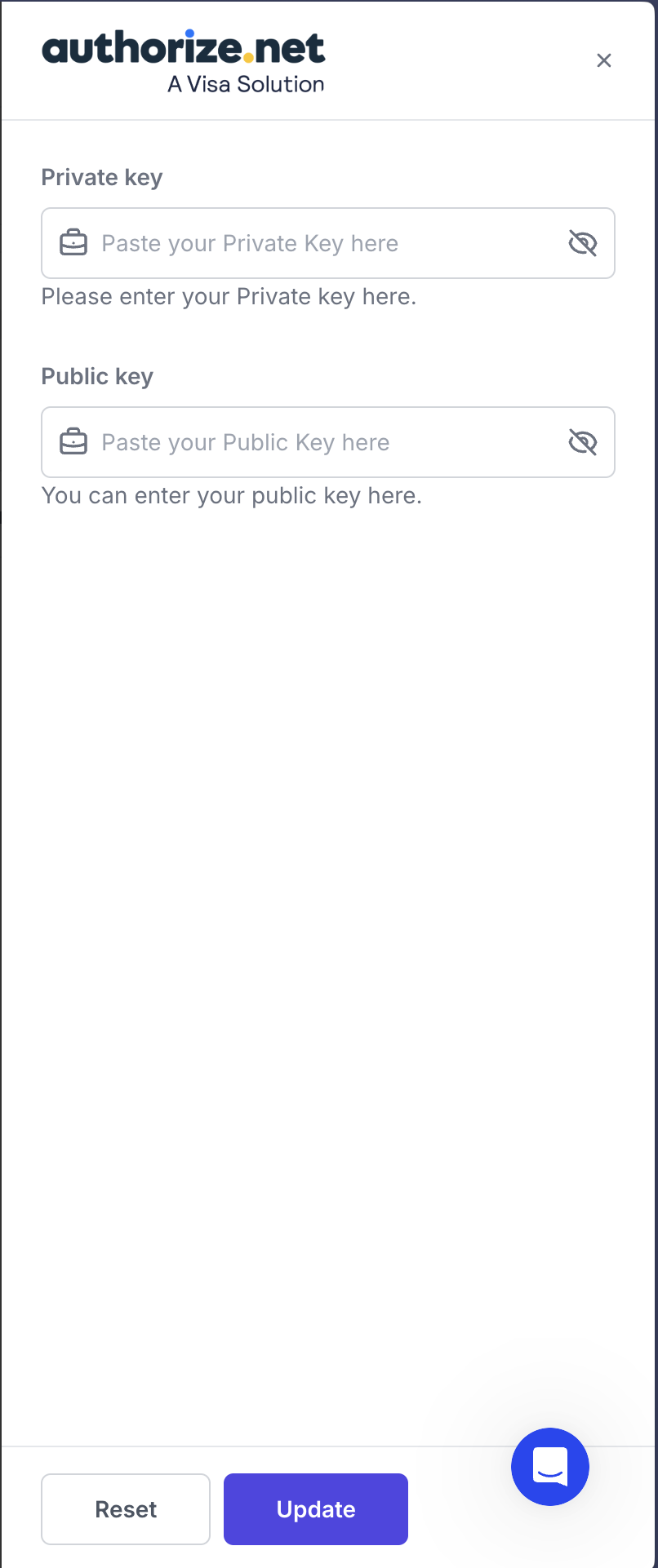
To setup the gateway with Gratona, open the account menu at the bottom of the sidebar, select Organization settings, then Payment gateways, and click View Integration on the Authorize card. In the drawer, enter your API Login ID in Private key and your Transaction Key in Public key, then select Update.